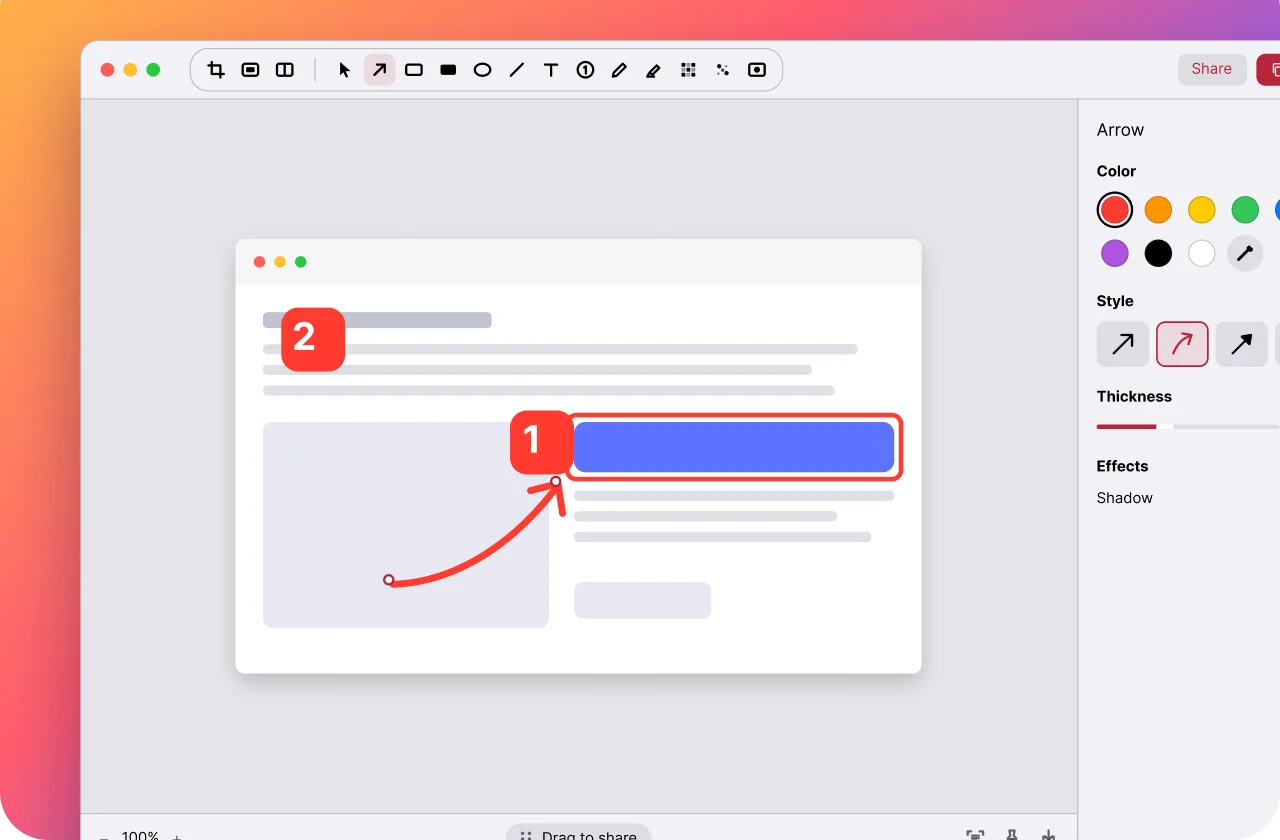
On Mac: take over ⌘⇧4
Make the shortcuts you already know open Prinx. Video, 1 min 40 s.
On your Mac, iPhone and iPad: blur private info, number your steps, add a background and move your arrows days later. One purchase covers them all.On your Mac, iPhone and iPad: blur private info, number your steps, add a background and move arrows later. One purchase.
7 days free, then US$29.99 once · Mac, iPhone and iPad · No subscription
7 days free, then US$29.99 once Mac, iPhone and iPad · No subscription

Apple gives you a capture and a pen. Prinx adds the tools you need to explain something — and keeps them on every device.
| Feature | Apple’s built-in (free) | Prinx |
|---|---|---|
| Blur names, emails and card numbersOne stroke, before the screenshot leaves your device. | Not available | Included |
| Numbered steps that count themselvesTap, tap, tap: 1, 2, 3. Delete one and the rest renumber. | Not available | Included |
| Move an arrow days laterAnnotations stay editable after you copy or share. | Flattened on save | Included |
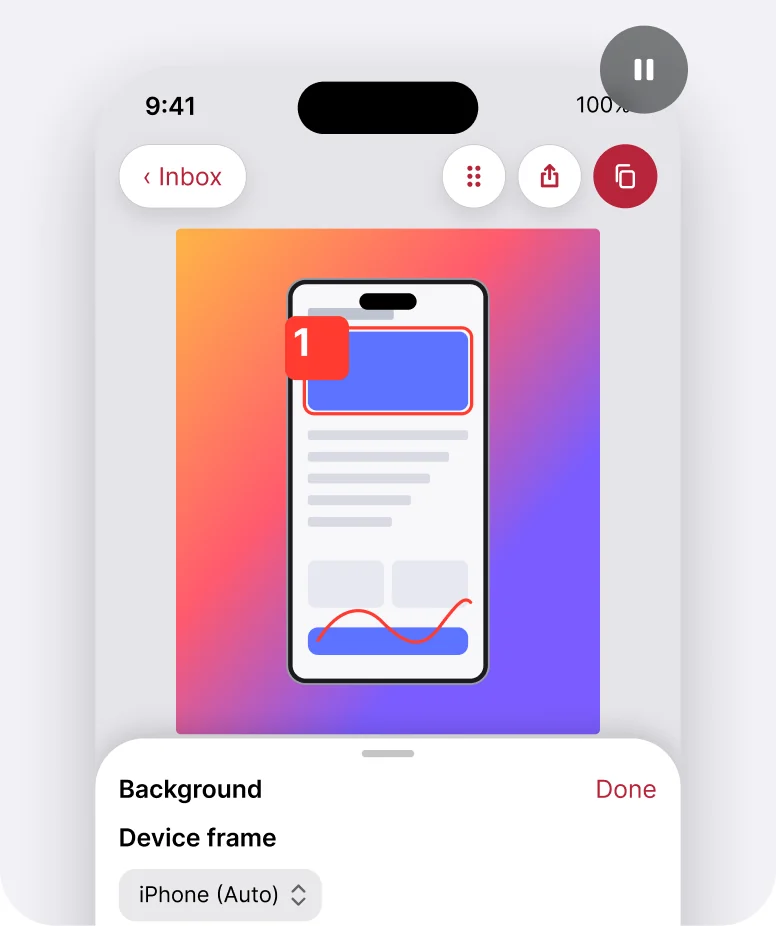
| Backgrounds and device framesA finished, presentable image in one click. | Not available | Included |
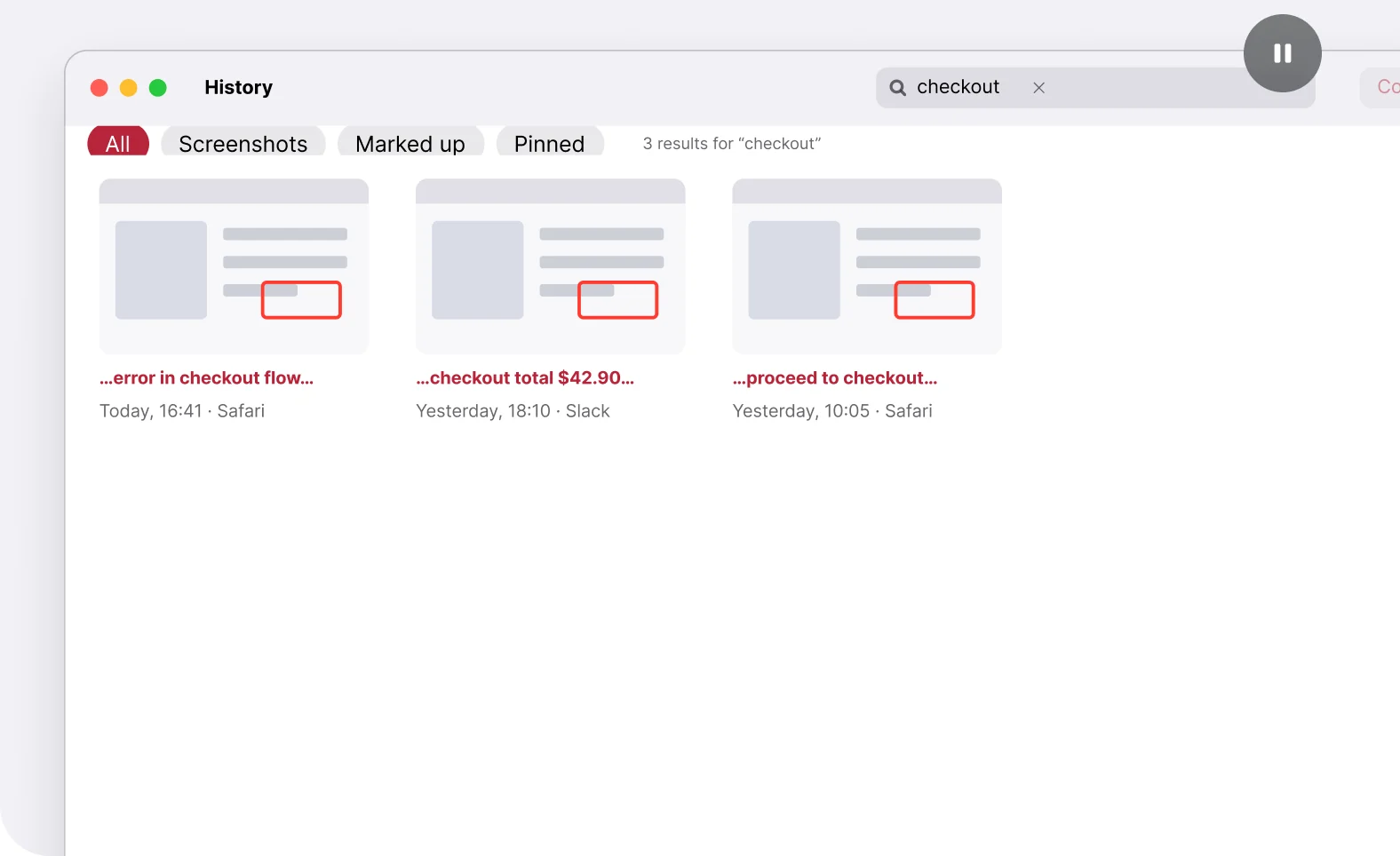
| One history, searchable on every deviceOnly your screenshots, synced through iCloud, found by the words inside. | Mixed into Photos | Included |
| Compare two screenshotsBefore and after, side by side. | Not available | Included |
Built-in tools compared on macOS 26, iOS 26 and iPadOS 26.
7 days free, then US$29.99 once · Mac, iPhone and iPad · No subscription
7 days free · then US$29.99 once
Screenshot on your iPad, point at what matters on your iPhone, drag it into Slack on your Mac. Everything syncs through your iCloud — and one purchase covers every device.Screenshot on iPad, mark up on iPhone, drag it into Slack on your Mac. Synced through your iCloud.

Pay once. Get every device.
No subscription · No account
US$29.99once · Mac + iPhone + iPad
Download on theApp Store7 days free, then US$29.99 once · Mac, iPhone and iPad · No subscription
7 days free · then US$29.99 once
Built from scratch in Swift and SwiftUI for macOS 26, iOS 26 and iPadOS 26. Prinx looks, moves and behaves like the rest of your Apple devices — because it’s made of the same parts.Swift and SwiftUI for macOS, iOS and iPadOS 26. It moves like the rest of your Apple devices.

Native on every device. No web views, no Electron.
The new Apple design language in every toolbar.
Pixel-perfect captures on Retina displays.
Screenshots and edits sync privately between your devices.
Every key action runs from Shortcuts and Siri.
Capture from anywhere on iPhone, in one gesture.
Pencil draws, your finger moves — no mode switching.
Capture Mode on iOS 27 stays one tap away.
7 days free, then US$29.99 once · Mac, iPhone and iPad · No subscription
7 days free · then US$29.99 once
From the moment you capture to the moment your teammate gets it.
Press ⌘⇧4 on Mac. On iPhone, use Back Tap, the Action Button or Control Center. It opens ready to mark up.Back Tap, the Action Button or Control Center. On Mac, ⌘⇧4.
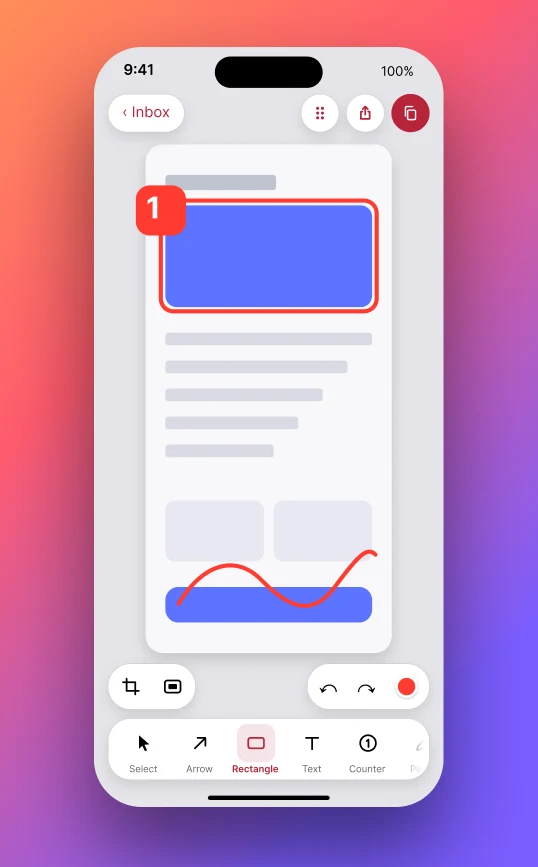
Drag to draw an arrow. Add a box, a number, text or blur. With Apple Pencil, just draw.Drag to draw an arrow. Add a box, a number, text or blur.
Copy, drag into any app or AirDrop it. In Prinx, your arrows and text stay editable.Copy, drag into any app or AirDrop it. Edits stay editable.
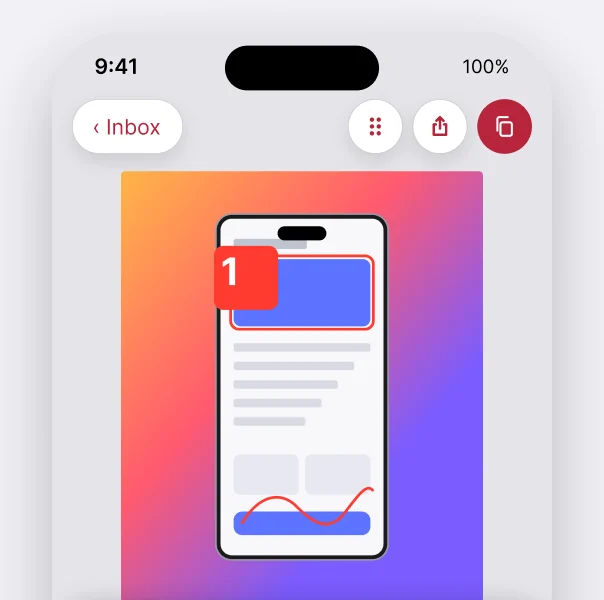
Arrows, boxes and numbers in two taps. Shapes snap to what you’re pointing at.
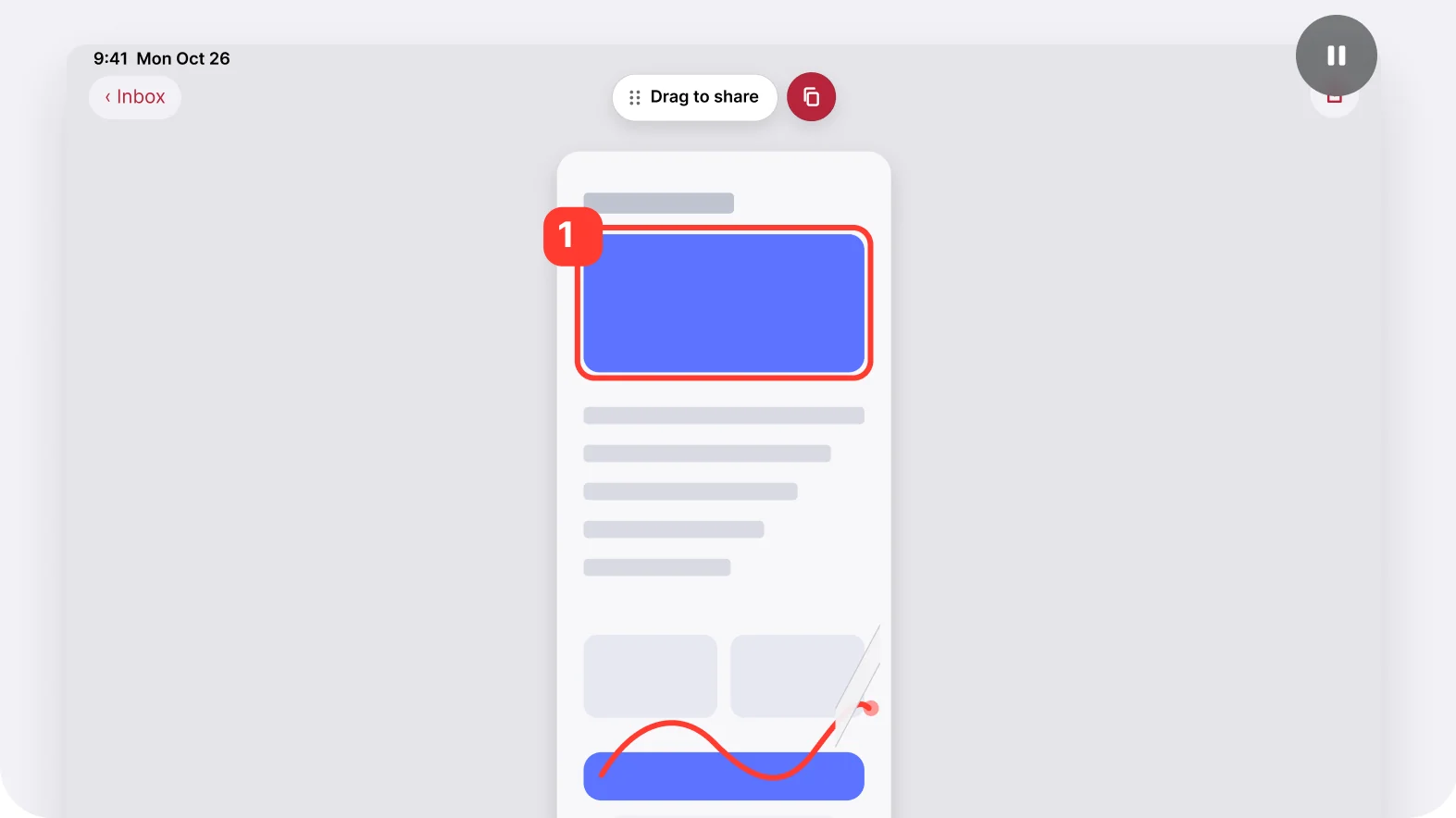
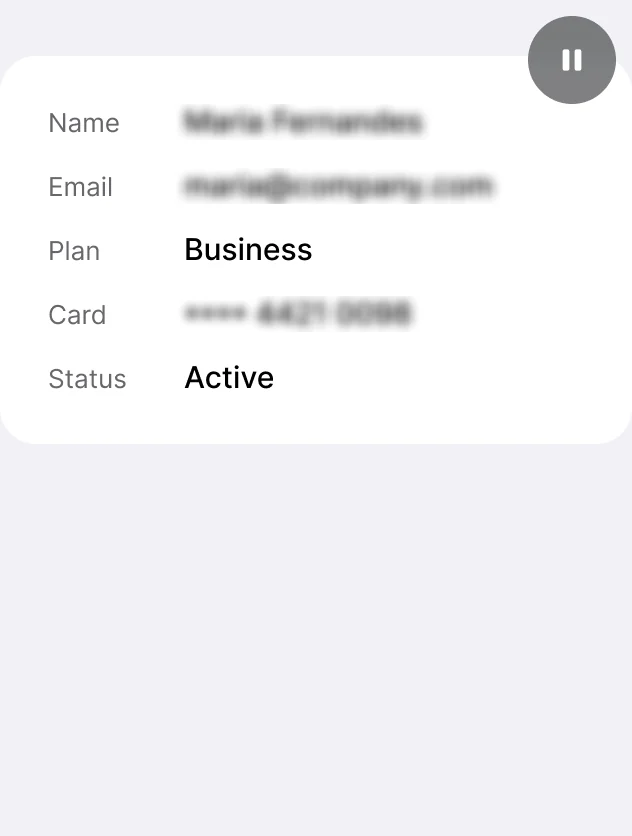
Names, emails and numbers disappear in one stroke.
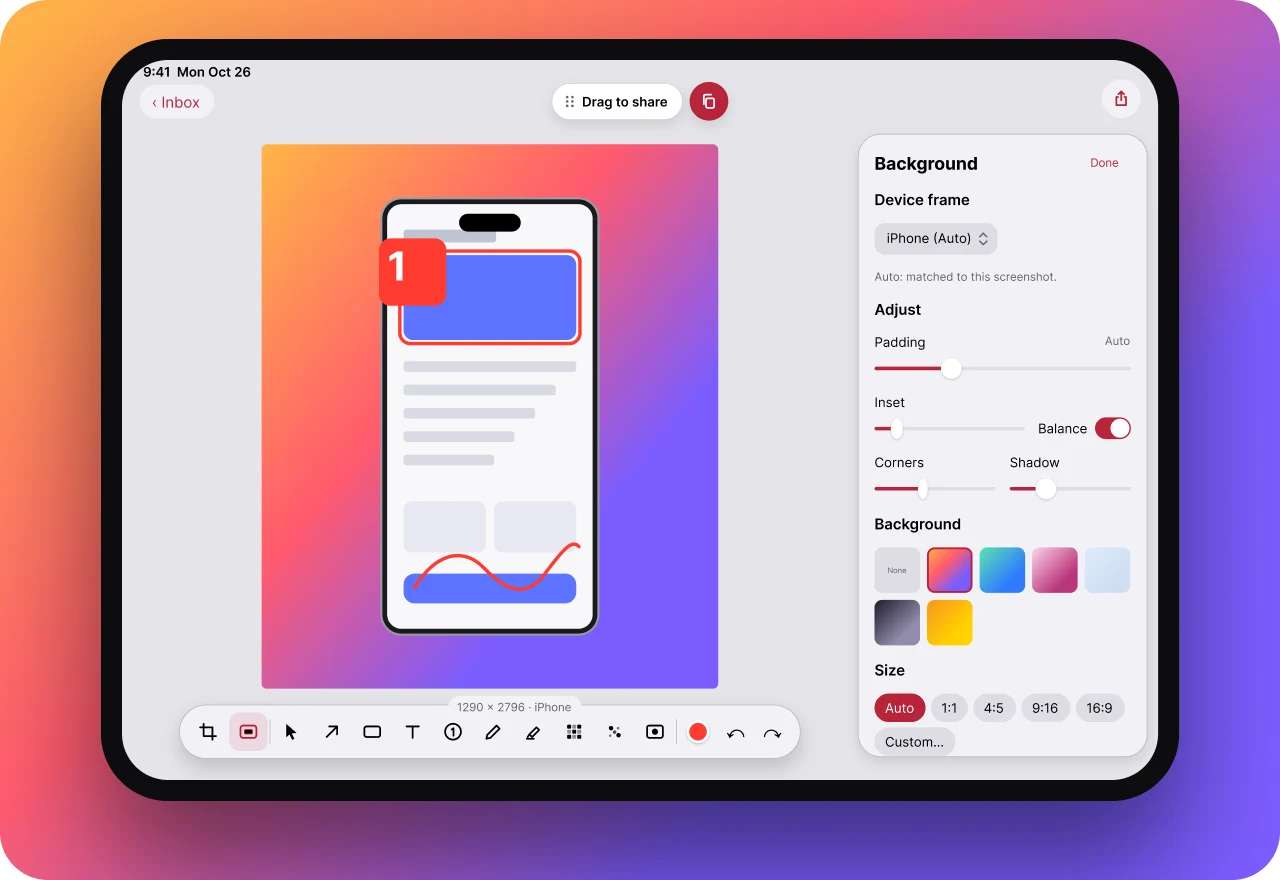
Backgrounds and device frames, automatic.
Search reads every word in every screenshot — right on your device.
Select an area and paste the words anywhere.
Pick two in History to see before and after side by side.
Reopen a screenshot weeks later and move the arrow.
Backgrounds and device frames, automatic.
7 days free, then US$29.99 once · Mac, iPhone and iPad · No subscription
7 days free · then US$29.99 once
Prinx is a native screenshot and annotation app for Mac, iPhone and iPad that does what Apple’s built-in screenshots can’t: one-stroke blur, numbered steps, backgrounds and device frames, annotations that stay editable, and one searchable history synced through your iCloud. Free for 7 days, then one purchase for all your Apple devices — no subscription, no account.Prinx is a native screenshot and annotation app for Mac, iPhone and iPad. Capture, add arrows, boxes, numbers, text and blur, and share an image that explains itself. Edits stay editable, text is searchable on-device, and one purchase covers all your Apple devices.
| Platforms | macOS 26, iOS 26 and iPadOS 26 or latermacOS, iOS, iPadOS 26+ |
|---|---|
| Price | Free for 7 days, then one purchase for all your devices7 days free, then pay once |
| Account | None required |
| Sync | Your private iCloud |
| Privacy | Screenshots and text recognition stay on your devices |
No subscription, no account, no tiers. One purchase for your Mac, iPhone and iPad.
7 days free
Everything is unlocked from the first capture. No card needed.
When the trial ends, Prinx asks for Prinx Pro to keep working. Nothing is deleted.
Free for 7 days, then
US$29.99 once
For your Mac, iPhone and iPad. Yours for good.
Price shown in your local currency on the App Store. Family Sharing is not available.
What you pay over three years
Mac, iPhone and iPad included every year. No renewal, ever.
No. Try everything free for 7 days, then pay once to use Prinx on your Mac, iPhone and iPad.
Mac with macOS 26 or later, iPhone with iOS 26 or later, and iPad with iPadOS 26 or later. One purchase covers all of them.
Prinx asks for Prinx Pro to keep working. Nothing is deleted: as soon as you buy, everything is back exactly as you left it.
Yes. Prinx can take over ⌘⇧3, ⌘⇧4 and ⌘⇧5, so the shortcuts you already know open Prinx. You can give them back to macOS anytime.
No. Text recognition runs on your device and sync uses your private iCloud. Nothing leaves your devices unless you share it.
Use Back Tap, the Action Button or the Prinx control in Control Center. On iOS 27, Capture Mode works from any app.
Yes. Arrows, boxes and text stay editable in Prinx, even weeks later.
Not at the moment. Your purchase is tied to your Apple ID and works on all your devices.

Free for 7 days. Then one purchase for your Mac, iPhone and iPad.
Download on theApp Store